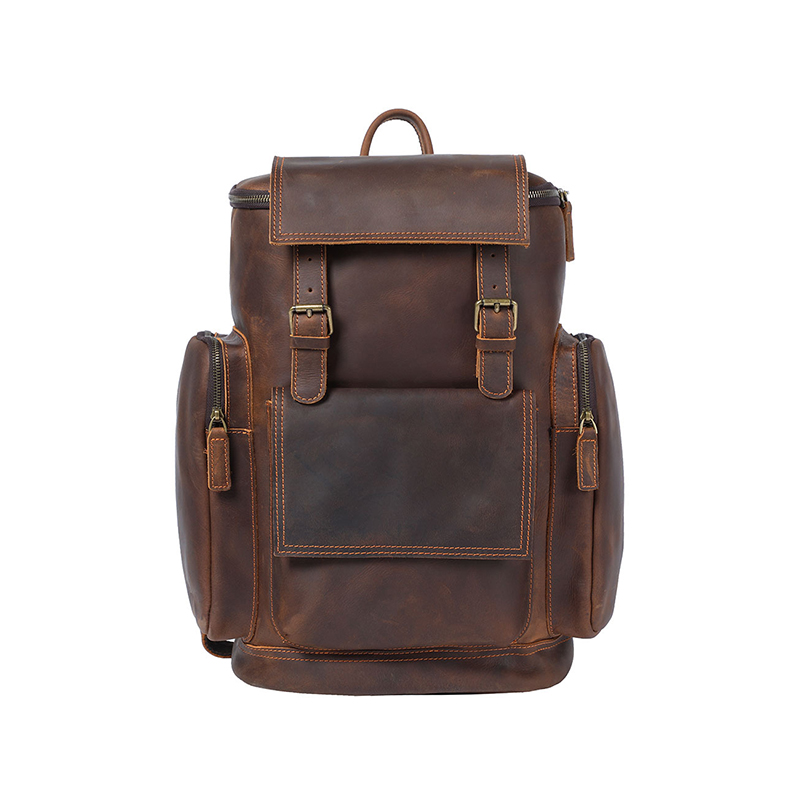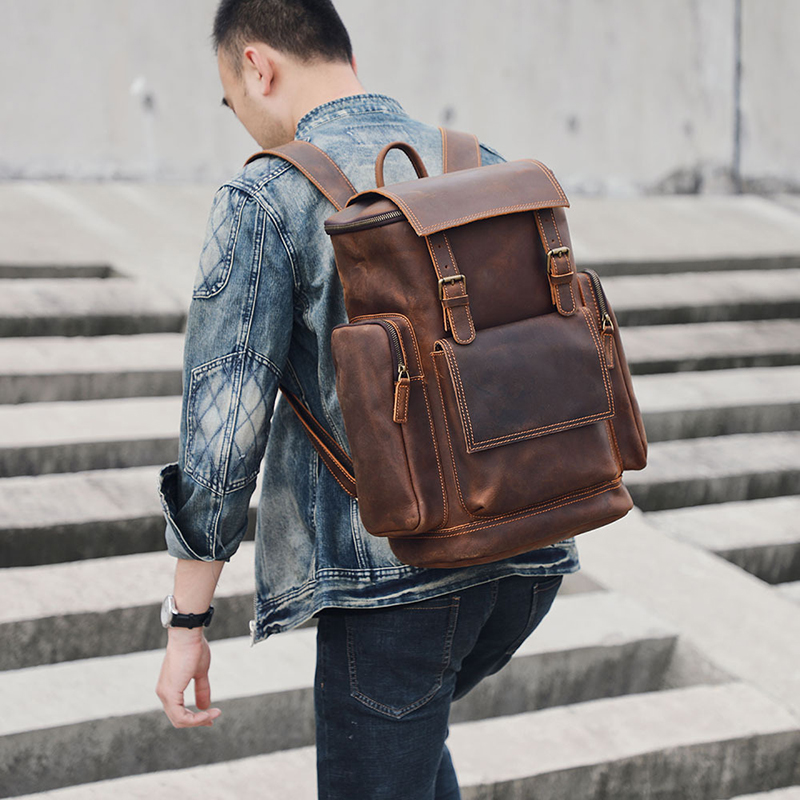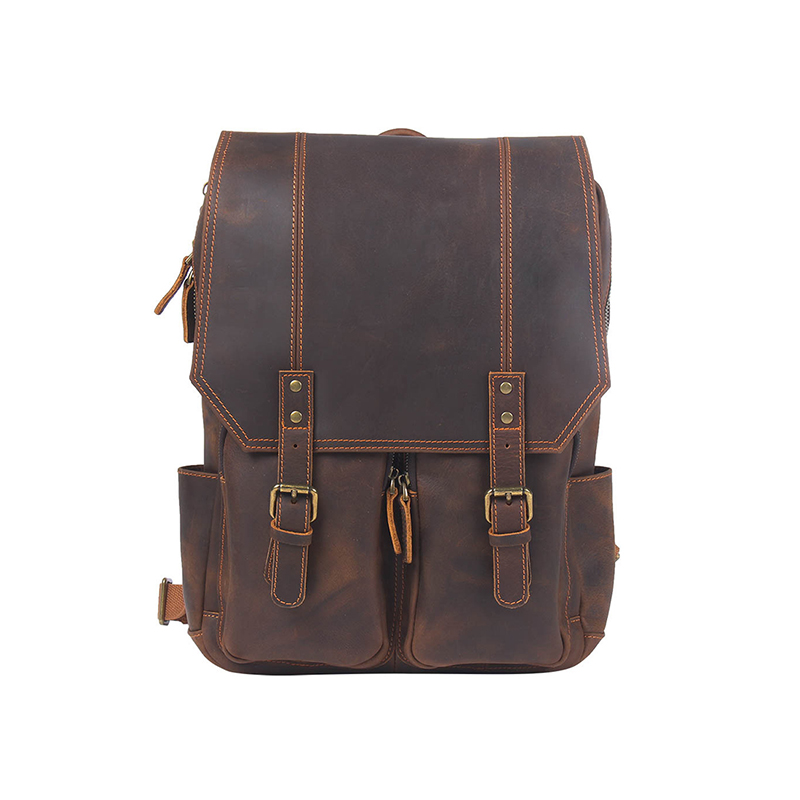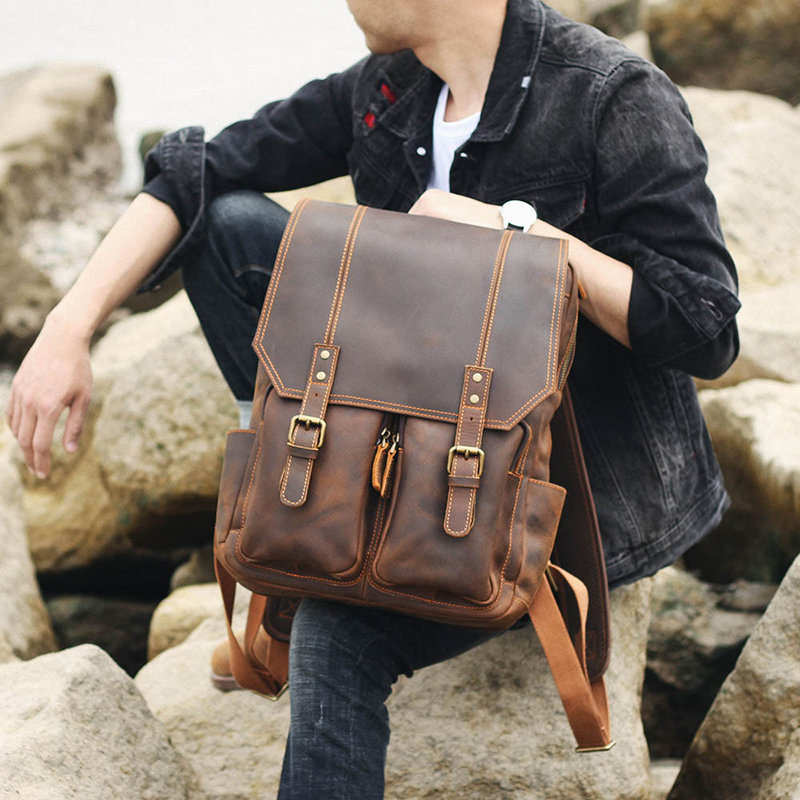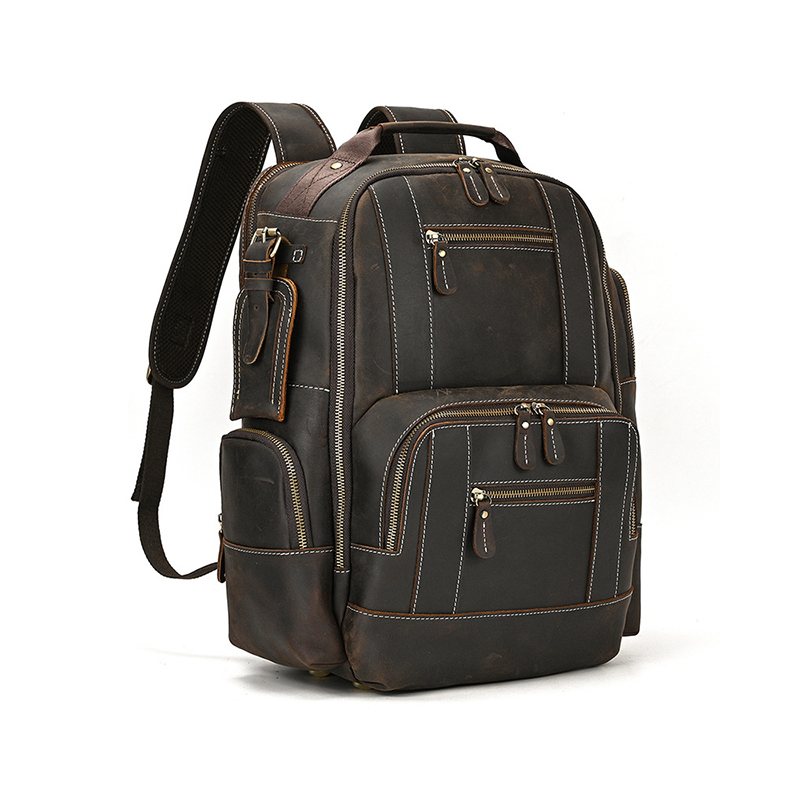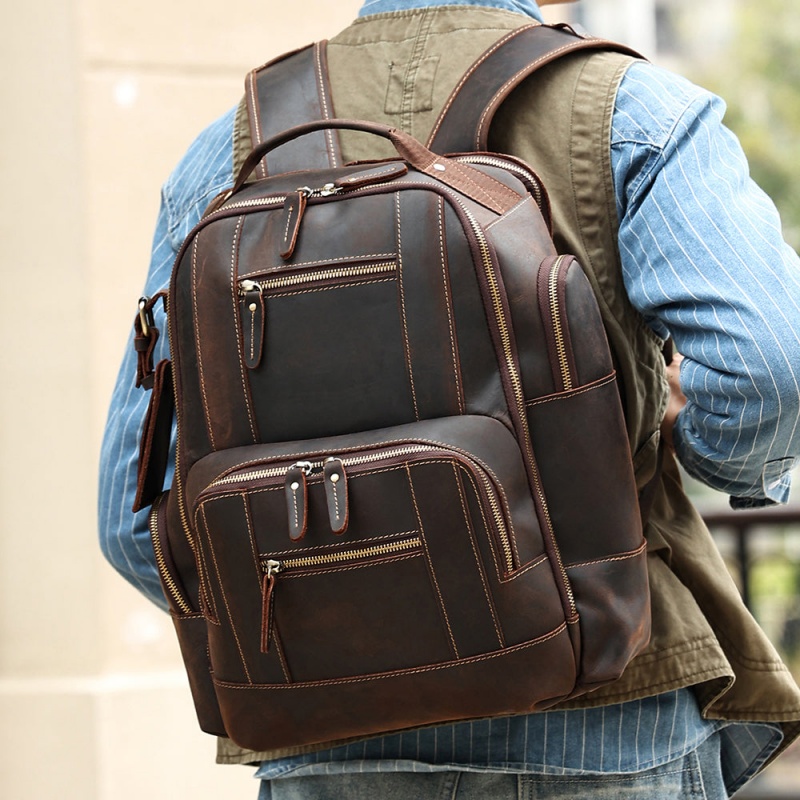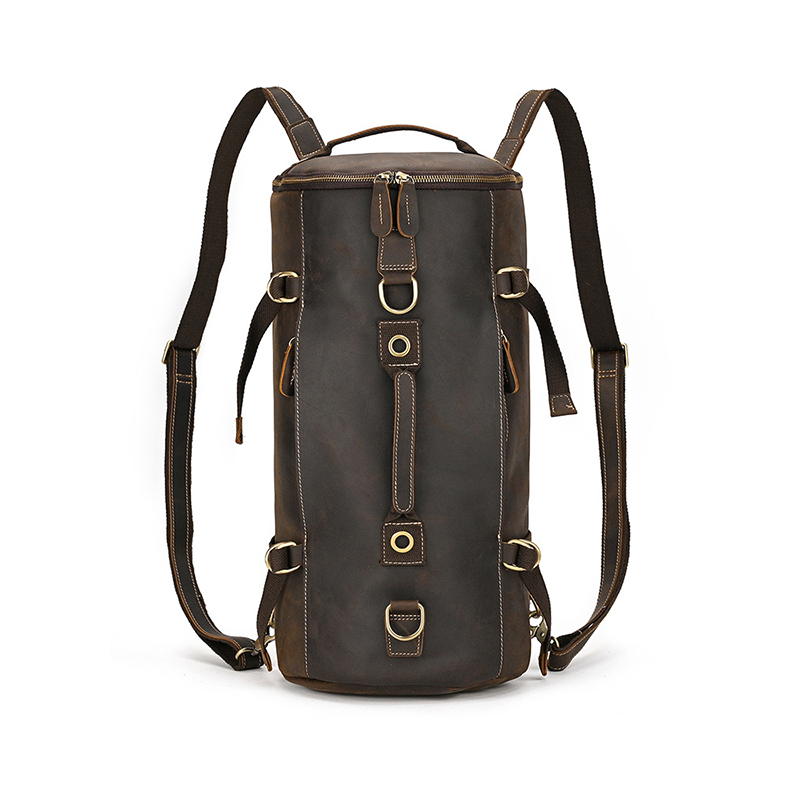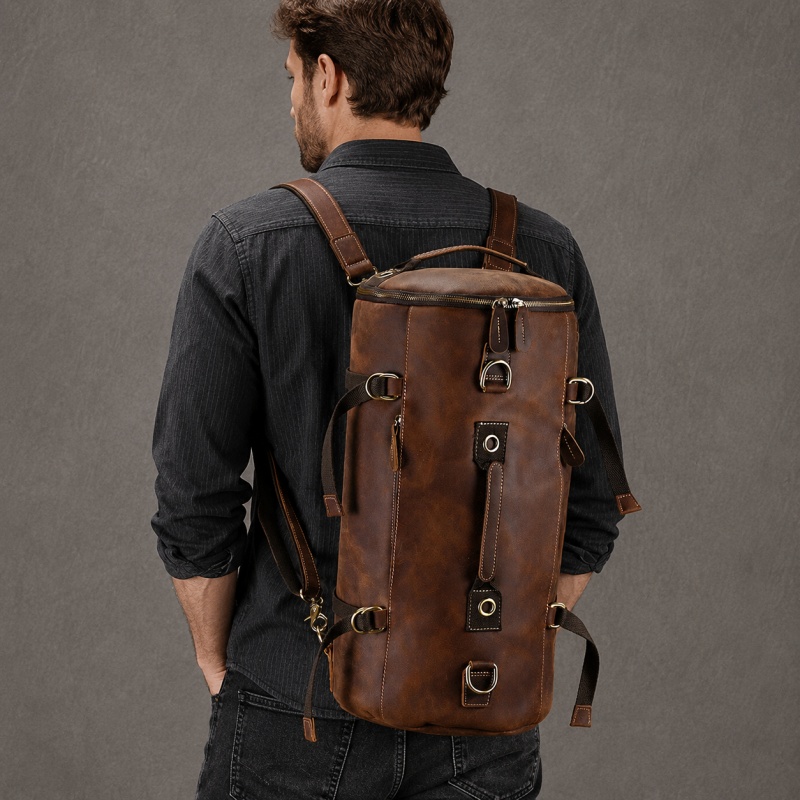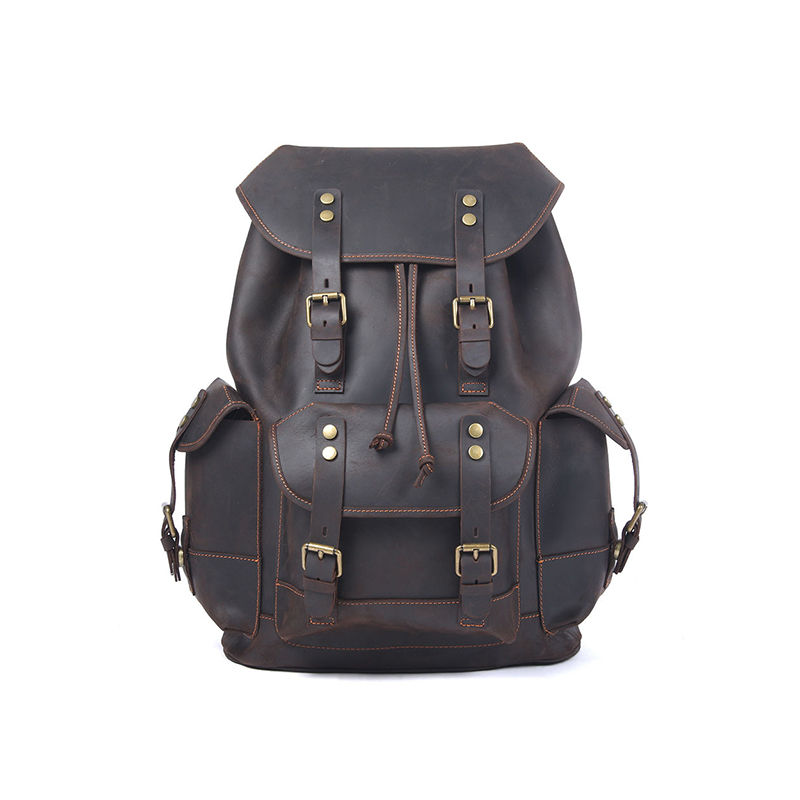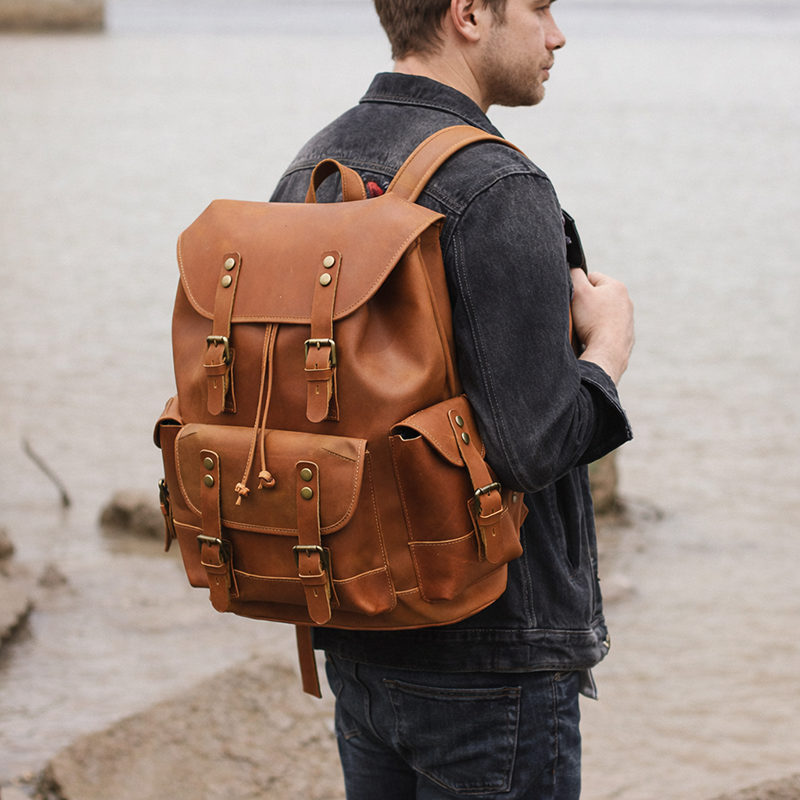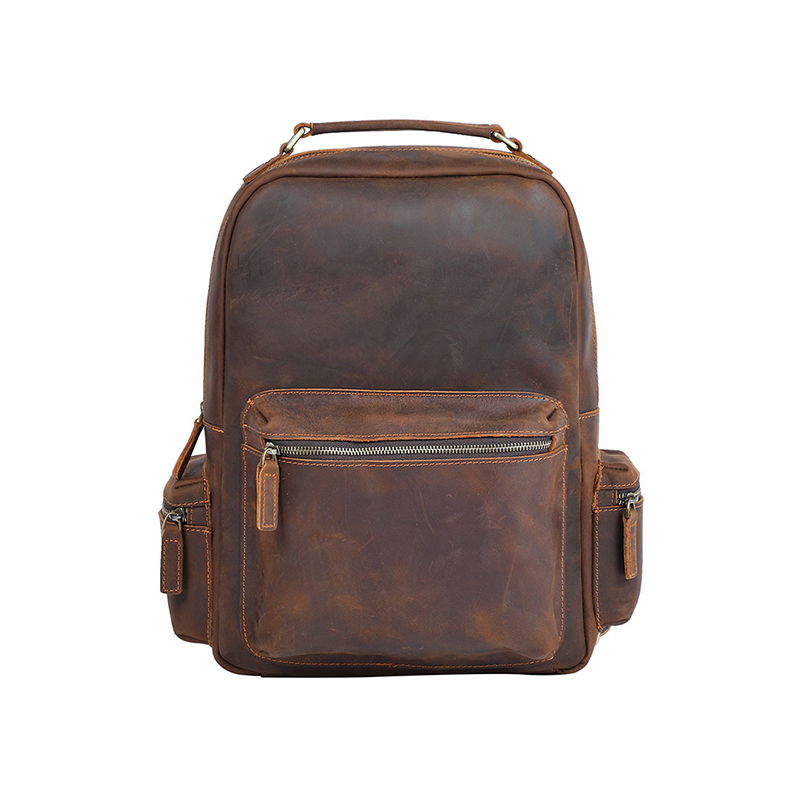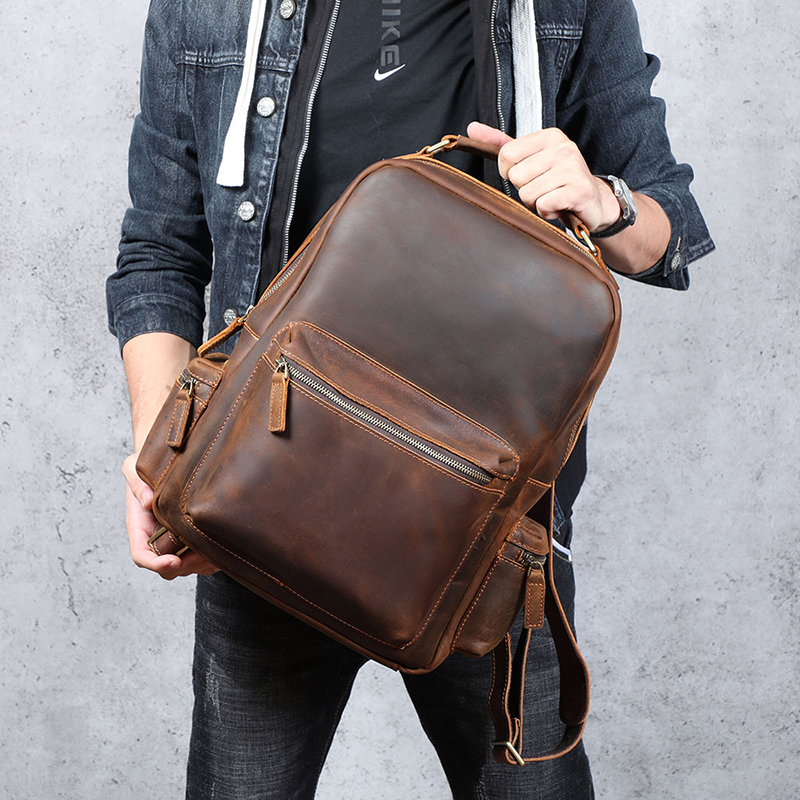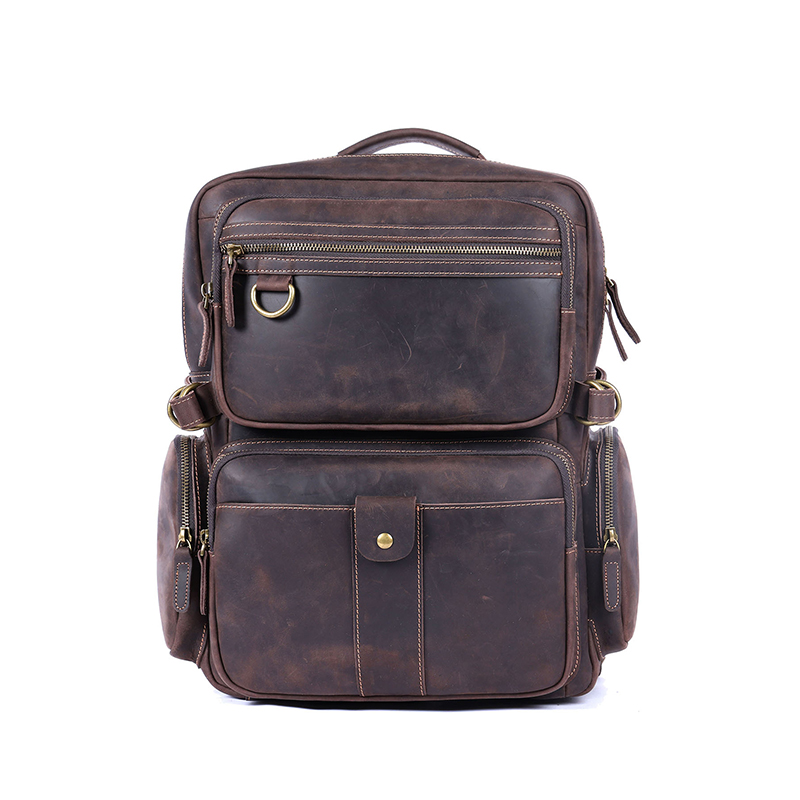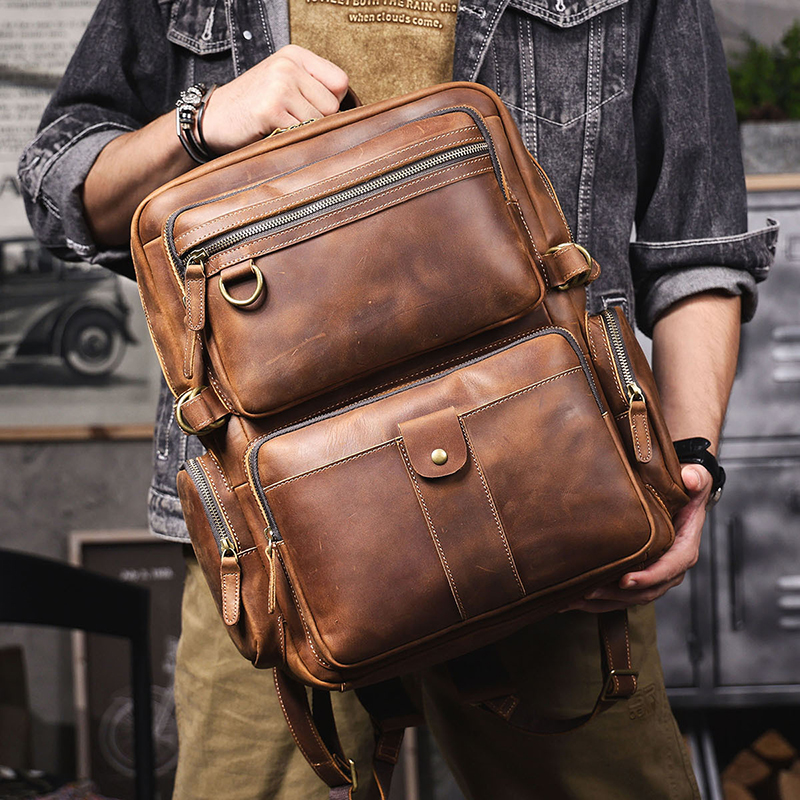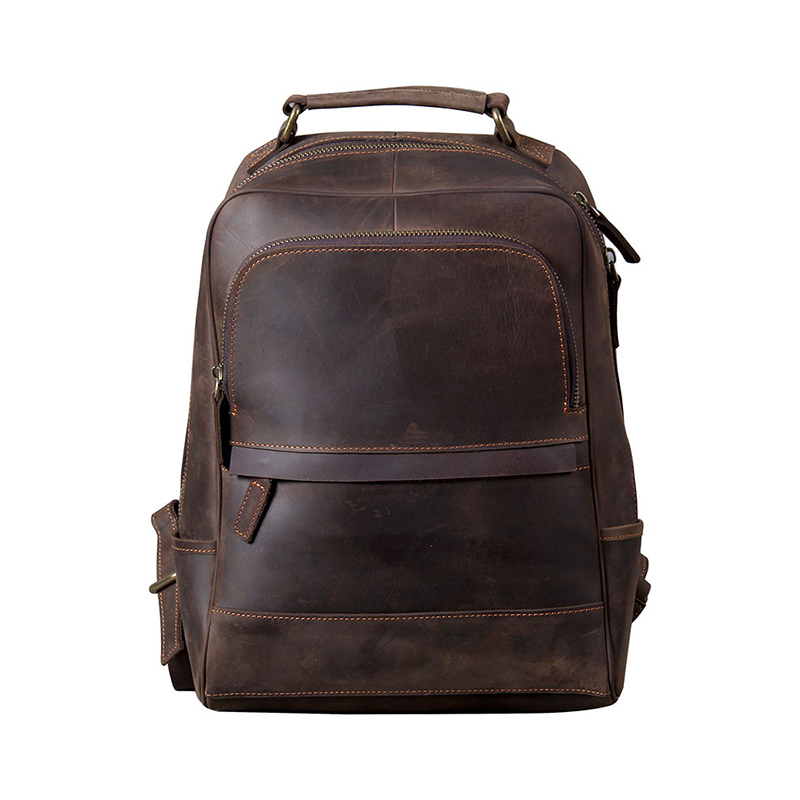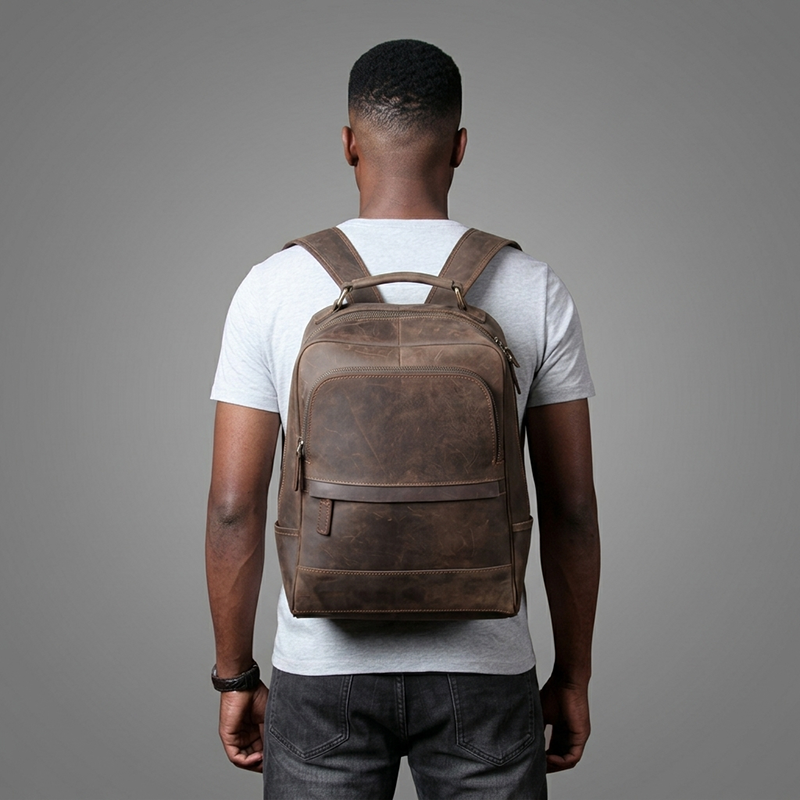
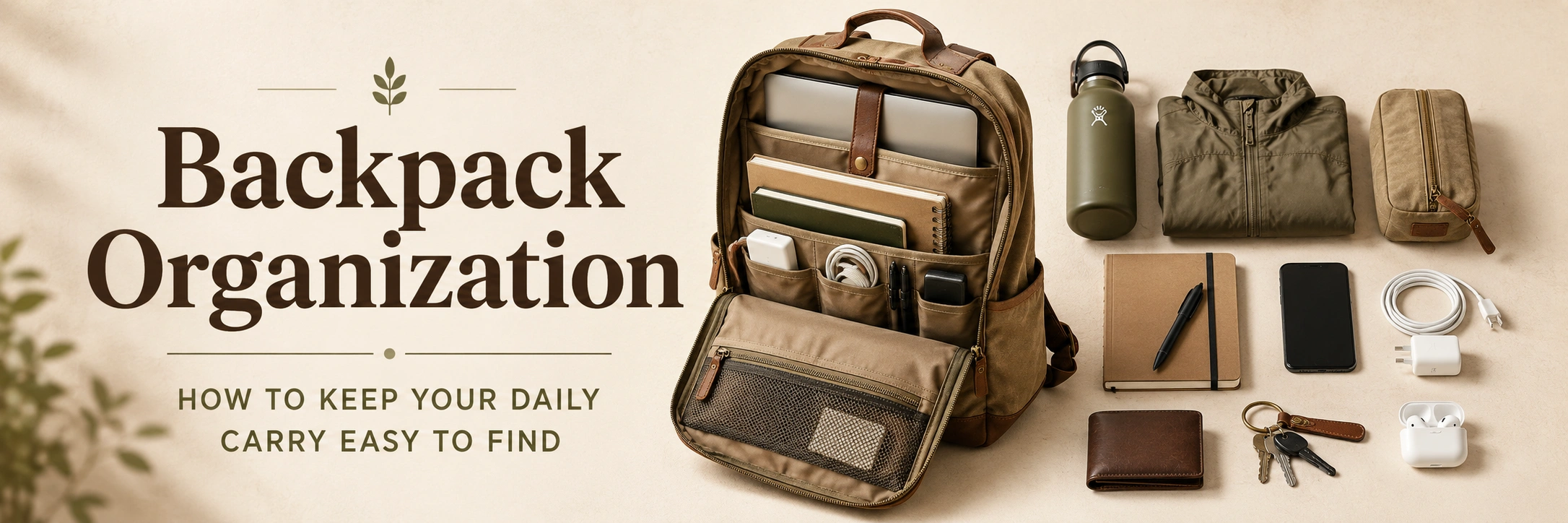
A well-organized backpack is not about carrying more.
It is about giving each item a clear place, keeping daily essentials easy to reach, and preventing everything from falling into one crowded main compartment.
Many backpacks feel disorganized even when they are not completely full.
A charger disappears under a jacket. Keys scratch against other items. A wallet falls to the bottom of the bag. A water bottle moves around while walking. The entire backpack has to be opened just to find one small item.
The solution is not always buying more pockets or adding multiple organizers.
The better approach is organizing the backpack around four simple ideas:
- Weight distribution
- Frequency of use
- Item protection
- Easy access
A good organization system makes the backpack easier to use every day while also reducing stress on the laptop, zipper, seams, and shoulders.
Quick Answer: What Is The Best Way To Organize A Backpack?
The best backpack organization method is simple:
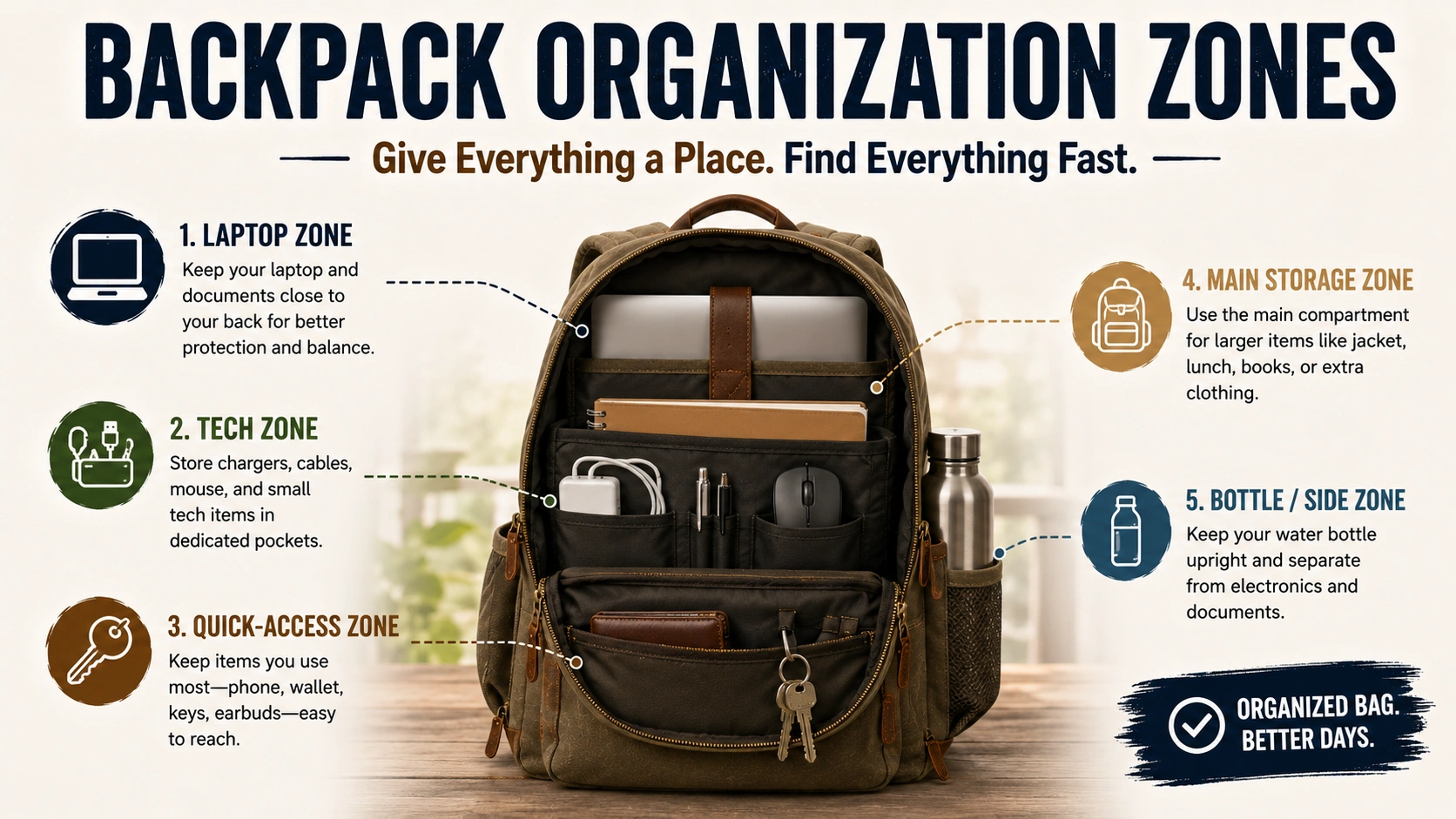
Keep heavy items close to your back, frequently used items easy to reach, fragile items protected, and larger items in the main compartment.
| Item Type | Best Place |
|---|---|
| Laptop | Padded sleeve close to the back |
| Charger and cables | Internal pocket or tech pouch |
| Phone, wallet, and keys | Secure quick-access pocket |
| Water bottle | Side pocket or upright inside the main compartment |
| Notebook and documents | Flat against the back panel |
| Jacket, lunch, or larger items | Main compartment |
| Occasional items | Lower or less accessible area |
A backpack does not need a separate pocket for every single object.
Too many compartments can sometimes make a backpack harder to use because items become hidden in different places.
The goal is not maximum separation.
The goal is knowing exactly where things belong.
Keep heavy items close to your back, small essentials in quick-access pockets, and larger soft items in the main compartment.
Why Backpack Organization Matters
A messy backpack is not only inconvenient.
It affects how the backpack feels and how long it lasts.
When items are randomly placed inside, several problems appear:
- Small items disappear under larger ones
- Hard objects can scratch electronics
- Heavy items create uneven weight
- The zipper receives extra pressure
- The backpack loses its shape
- Daily packing becomes slower
A backpack is used repeatedly. Small frustrations happen every day.
Searching for keys for two minutes every morning may seem insignificant, but those repeated moments are exactly what determine whether a backpack feels practical or annoying.
Good organization improves:
Faster Access
The items you use most often should require the least effort.
Your phone, wallet, keys, and charger should not be buried under clothing or notebooks.
Better Protection
A laptop should not share the same space with loose metal objects, heavy chargers, or sharp accessories.
Organization creates separation between items that can damage each other.
Better Weight Balance
A backpack with the same weight can feel completely different depending on where items are placed.
A laptop close to your back feels more stable than the same laptop sitting in the front compartment.
Less Stress On The Backpack
Overloaded and poorly arranged backpacks put extra pressure on:
- Zippers
- Seams
- Shoulder straps
- Fabric panels
- Internal lining
Good organization improves access, protection, comfort, and the useful life of the backpack.
Step 1: Empty The Backpack And Start Again
The easiest way to organize a backpack is not adding more storage.
It is removing things that no longer need to be there.
Start by taking everything out.
Check:
- Main compartment
- Front pockets
- Hidden zipper pockets
- Laptop sleeve
- Side pockets
- Small internal organizers
Most people carry items they have not used for weeks.
Old receipts, empty packaging, duplicate cables, random tools, and forgotten accessories slowly turn a backpack into a storage box.
Create three groups.
Carry Every Day
These are items that belong in your daily setup:
- Laptop
- Charger
- Phone
- Wallet
- Keys
- Notebook
- Water bottle
Carry When Needed
These items depend on the day:
- Umbrella
- Headphones
- Power bank
- Camera
- Medicine
- Light jacket
- Travel accessories
Remove From The Backpack
These usually create unnecessary clutter:
- Old receipts
- Empty packaging
- Duplicate chargers
- Broken accessories
- Random loose items
- Items you have not touched in months
A backpack works better when every item has a reason to be there.
The easiest way to organize a backpack is to stop carrying items that no longer need to be there.
Step 2: Put Heavy Items Close To Your Back
Where you place heavy items changes how the backpack feels.
The best location for heavier items is usually close to your back.
Examples:
- Laptop
- Tablet
- Documents
- Notebook
- Heavy electronics
Why?
Because weight close to your body creates less pulling force.
When a heavy laptop is placed in the front of the backpack, the bag pulls backward and away from your shoulders.
This can make the backpack feel heavier even when the total weight is the same.
A better arrangement:
Closest to back panel:
- Laptop
- Tablet
- Documents
Middle area:
- Charger
- Notebook
- Accessories
Front area:
- Small frequently used items
Avoid placing heavy items:
- In outer front pockets
- At the very top
- Far away from your back
A backpack works with your body better when the center of gravity stays close.
A heavy item placed at the front of the backpack pulls the bag away from the body. The same item placed closer to the back usually feels more stable.
For more information about choosing a backpack designed around laptop protection and daily carry, see our guide on the best laptop backpack for men.
Step 3: Protect The Laptop And Electronics
A laptop is usually the most valuable item inside a daily backpack.
That means it should not simply have enough space.
It needs the right protection and the right location.
A laptop compartment works best when it is:
- Padded
- Close to the back panel
- Separated from loose objects
- The correct size for the device
A common mistake is placing everything together in the laptop area.
For example:
- Laptop
- Charger
- Keys
- Power bank
- Water bottle
These items may all fit, but they should not all share the same space.
Hard objects can scratch the laptop surface. Heavy chargers can press against the computer. A leaking bottle can damage electronics quickly.
A better layout:
Laptop
Place it inside the padded laptop sleeve.
The laptop should not move freely inside the compartment. Too much empty space allows unnecessary movement while walking.
Charger And Cables
Keep chargers and cables together.
Good options:
- Internal zipper pocket
- Small pouch
- Dedicated accessory compartment
The goal is not creating a complicated organization system.
The goal is preventing cables from spreading throughout the entire backpack.
Mouse And Power Bank
These items are small but heavy.
Keep them away from the laptop screen and place them in a stable internal pocket.
Documents And Notebooks
Flat items work best against the back panel.
This prevents them from bending and helps maintain the backpack shape.
Separate the laptop from hard, loose, and frequently moving objects.
A laptop compartment protects your computer only when the surrounding organization supports it.
Step 4: Keep Small Essentials In A Quick-Access Pocket
Some items are used many times every day.
These should never live at the bottom of the main compartment.
Examples:
- Keys
- Wallet
- Phone
- Transit card
- Earbuds
- Sunglasses
- Small flashlight
- Frequently used medication
The purpose of a quick-access pocket is simple:
You should be able to reach important items without opening the entire backpack.
A good quick-access pocket should be:
- Easy for you to reach
- Secure enough for valuables
- Separate from larger items
- Easy to identify without searching
However, quick access does not mean maximum visibility.
A completely open outside pocket may be convenient, but it may not be the safest place for expensive items.
A zipper pocket or hidden compartment is often a better balance.
Also avoid putting everything small into one pocket.
For example:
Keys and sunglasses together may create scratches.
Coins and electronics together may damage surfaces.
A wallet pressed against a water bottle may become uncomfortable to access.
Small categories work better:
- Daily essentials
- Electronics accessories
- Personal items
The best quick-access pocket is easy for you to reach but difficult for someone else to open unnoticed.
Step 5: Create A Separate Tech Zone
Modern backpacks often carry several electronic accessories.
Without a simple system, these items quickly become the most frustrating part of the bag.
A tech zone can include:
- Charger
- Cables
- Adapter
- Mouse
- USB drive
- Power bank
- Earbuds
- Memory cards
The purpose is not creating a perfect storage system.
It is preventing small technology items from spreading everywhere.
A simple internal pocket or pouch is usually enough.
You do not need:
- Ten different organizers
- Separate cases for every cable
- Expensive accessories
Too much organization can create another problem.
You may spend more time managing the organizers than using the backpack.
A practical approach:
Daily Electronics
Keep these easy to reach:
- Charger
- Phone cable
- Earbuds
Occasional Electronics
Store deeper:
- Backup battery
- Extra cable
- USB drive
- Travel adapter
Rarely Used Items
Remove them if they are only taking space.
A backpack should support your routine, not carry every possible situation.
A simple pouch or internal pocket is often enough. Organization does not require a complicated accessory system.
Step 6: Use The Main Compartment For Larger Items
The main compartment is not supposed to hold everything randomly.
It should be used for larger items that do not need constant access.
Good examples:
- Light jacket
- Lunch box
- Book
- Camera
- Headphones case
- Extra clothing
- Travel items
A useful arrangement:
Bottom Area
Less frequently used items:
- Extra clothing
- Emergency items
- Travel accessories
Middle Area
Medium-use items:
- Notebook
- Headphones
- Small pouch
Top Area
Items you may need soon:
- Jacket
- Documents
- Daily accessories
Avoid putting hard objects directly against the zipper.
A water bottle, camera, or metal accessory pressing against the zipper line creates unnecessary stress.
The main compartment should have enough empty space to allow items to move naturally.
A backpack that is packed tightly every day will feel smaller than its actual capacity.
The main compartment should hold larger items that do not need their own dedicated pocket. It should not become a dumping ground for every small object.
Step 7: Keep The Water Bottle Upright And Separate
A water bottle seems simple, but it can create one of the biggest backpack problems.
A small leak can damage:
- Laptop
- Documents
- Electronics
- Leather details
- Interior lining
The safest position is usually:
- Side bottle pocket
- Upright position inside the main compartment
- Separate area away from electronics
Avoid:
- Laying the bottle horizontally on top of a laptop
- Putting it next to documents
- Carrying a bottle that does not seal properly
- Overloading a side pocket until the backpack loses shape
A bottle pocket is useful because it keeps water accessible without opening the whole backpack.
However, not every backpack needs a large external bottle holder.
Some mature everyday backpacks prioritize a cleaner appearance and keep the bottle inside.
The important point is separation.
Water should be easy to reach but kept away from the laptop compartment.
Step 8: Organize Items By Frequency Of Use
One of the easiest organization methods is asking one question:
How often do I need this item?
The more frequently you use something, the easier it should be to reach.
Several Times A Day
Keep near the top or quick-access pocket:
- Phone
- Wallet
- Keys
- Transit card
- Earbuds
Once Or Twice A Day
Keep in internal compartments:
- Charger
- Notebook
- Sunglasses
- Headphones
Only When Needed
Keep deeper:
- Umbrella
- Backup battery
- First-aid items
- Spare clothing
Fragile Or Valuable
Keep protected:
- Laptop
- Tablet
- Camera
- Documents
Many people organize backpacks by size.
But size is not always the best method.
A small item used ten times per day should usually be easier to reach than a large item used once per month.
The more often you use an item, the less digging it should require.
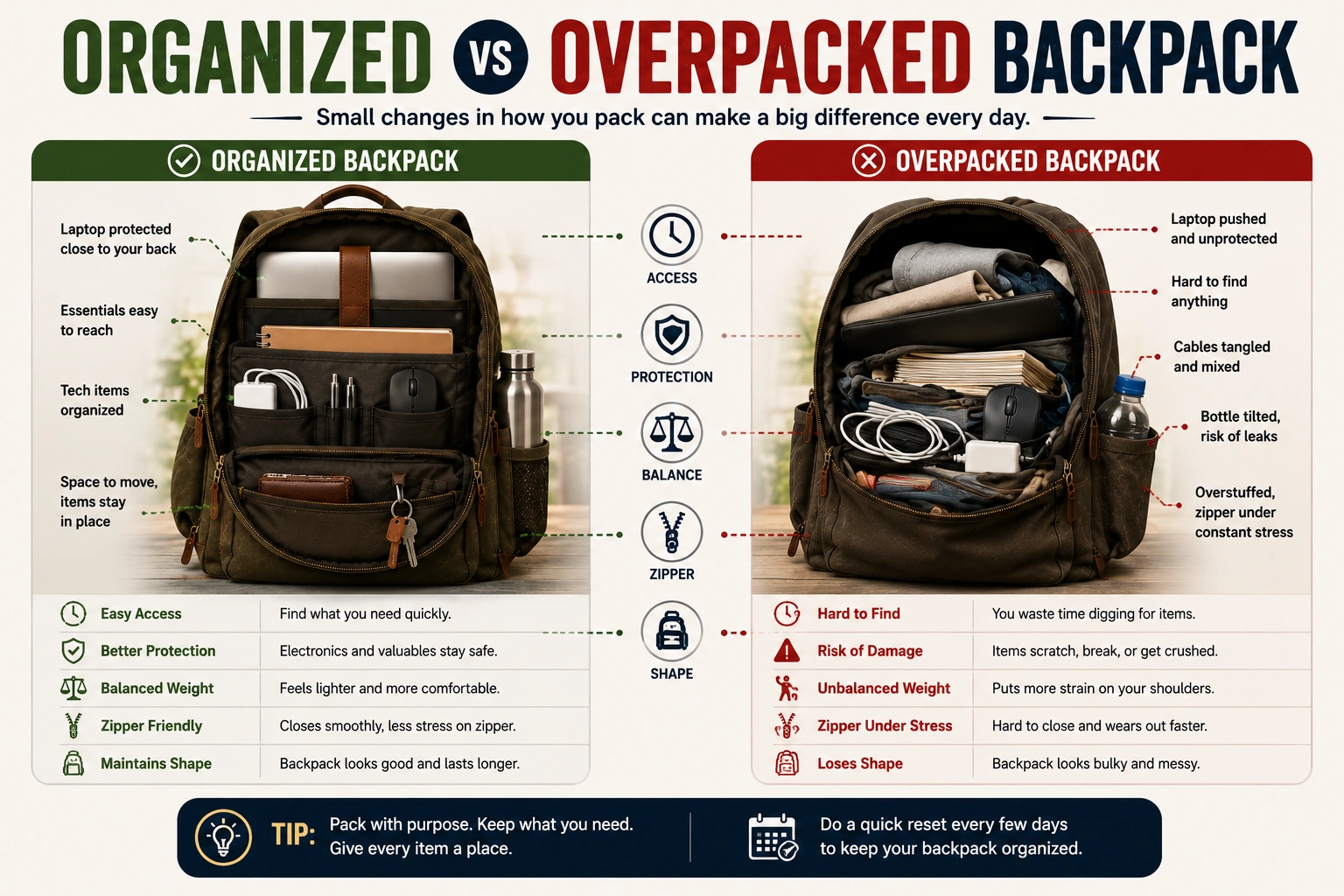
Step 9: Avoid Overpacking
A backpack can become disorganized before it becomes completely full.
When every space is occupied, several problems appear:
- Items become difficult to find
- The zipper receives more pressure
- The laptop has less protection
- Shoulder straps carry more stress
- The backpack loses its shape
Many people solve this problem by buying a larger backpack.
Sometimes the better solution is removing unnecessary items.
Before adding more storage, ask:
- Have I used this recently?
- Does this belong in my daily carry?
- Is there another item already doing the same job?
Overpacking also affects the zipper.
A zipper is designed to close the backpack, not compress it.
If you need to press down hard on the contents while pulling the zipper, the bag is already under too much stress.
A constantly overloaded backpack may lead to:
- Stuck zippers
- Broken zipper teeth
- Stretched seams
- Damaged lining
For zipper problems and prevention, see our guide on how to fix a stuck backpack zipper.
Choosing the right capacity also matters. A backpack that matches your daily load is easier to organize.
See our backpack size guide.
A backpack is full before the zipper becomes difficult to close.
Do You Need Backpack Organizer Pouches?
Organizer pouches can help, but they are not always necessary.
They work well when they solve a specific problem.
Useful situations:
- Many cables and chargers
- Frequent backpack switching
- Camera accessories
- Travel items
- Medicine
- Small tools
Benefits:
Easier Transfer Between Bags
If you regularly change backpacks, one pouch can move your essential items quickly.
Better Small Item Control
Cables, adapters, and accessories stay together instead of spreading around the bag.
Cleaner Main Compartment
Large areas stay available for jackets, books, or daily items.
However, too many pouches create another layer of clutter.
Problems include:
- Added weight
- Less available space
- More things to search through
- Carrying unnecessary items
A backpack with good internal organization may not need additional organizers.
Organizer pouches are useful when they simplify the bag, not when they create another layer of clutter.
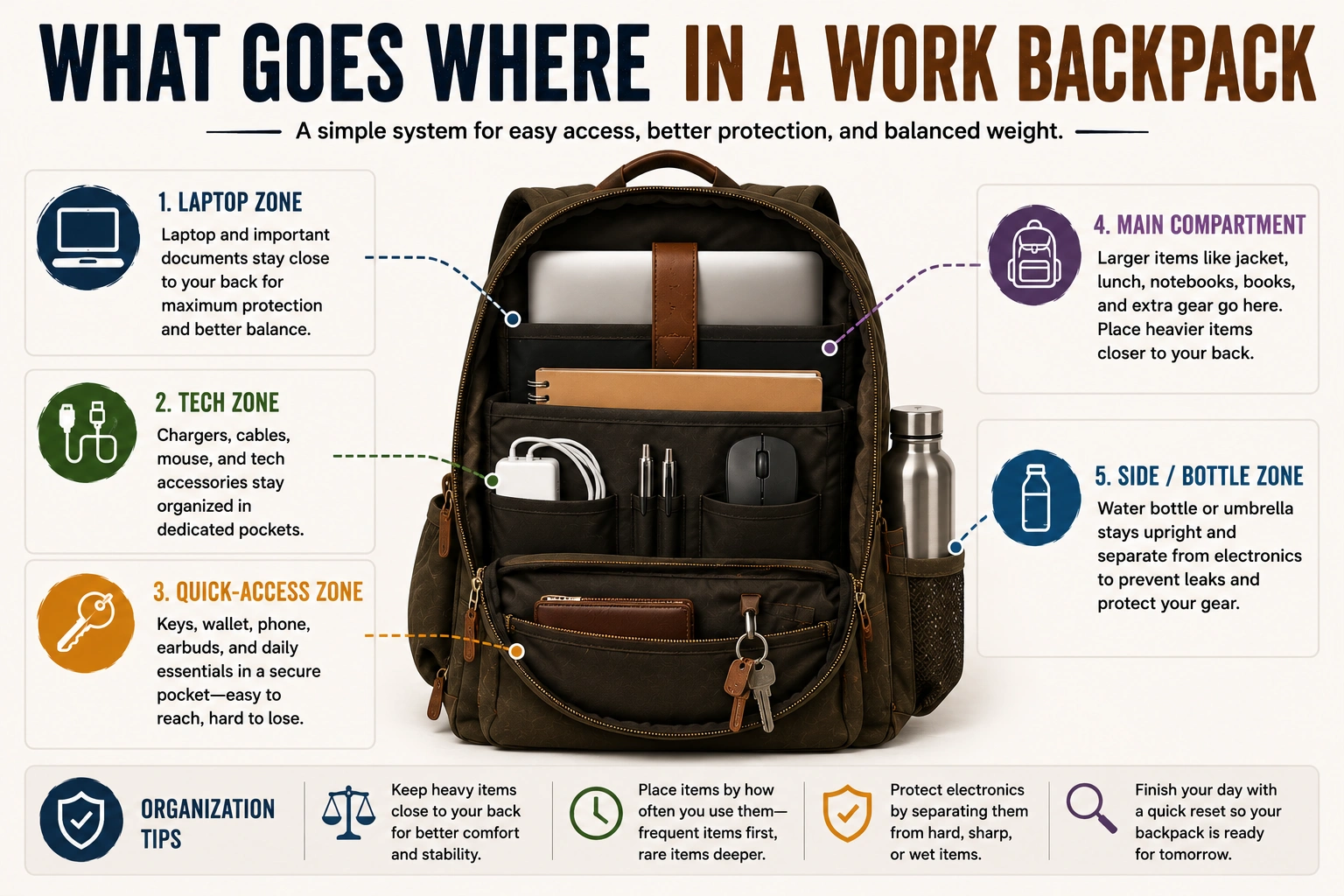
How To Organize A Work Backpack
A work backpack usually needs a balance between professional appearance and practical access.
A simple layout:
Laptop Sleeve
Use for:
- Laptop
- Tablet
- Documents
Internal Pocket
Use for:
- Charger
- Mouse
- Cables
Quick-Access Pocket
Use for:
- Wallet
- Phone
- Keys
- Earbuds
Main Compartment
Use for:
- Notebook
- Lunch
- Light jacket
- Personal items
Side Pocket
Use for:
- Water bottle
A good work backpack should be ready for the next morning without requiring a complete repack every day.
At the end of the workday:
Remove:
- Receipts
- Trash
- Empty bottles
- Items that do not belong
A five-minute reset keeps the backpack organized long term.
How To Organize A Backpack For Weekend Travel
A daily backpack can also work for short trips when organized correctly.
The difference is that travel adds more items, not a completely different system.
A practical weekend layout:
Close To Back
- Laptop
- Documents
- Travel information
Main Compartment
- Clothing
- Toiletries
- Extra items
Internal Pocket
- Charger
- Electronics
- Personal items
Quick Access
- Wallet
- Passport
- Phone
- Keys
Top Area
- Jacket
- Items needed during travel
Do not bury important items under clothing.
A passport, charger, or wallet should still be easy to reach even when the backpack is full.
For more weekend travel considerations, see our guide on the best backpack for weekend travel.
Canvas Backpacks And Practical Pocket Layout
A good backpack does not need twenty different pockets.
It needs a layout that matches real life.
For everyday work and commuting, useful features include:
- Secure laptop area
- Practical main compartment
- Quick-access front pocket
- Internal organization
- Secure zipper pockets
- Comfortable access points
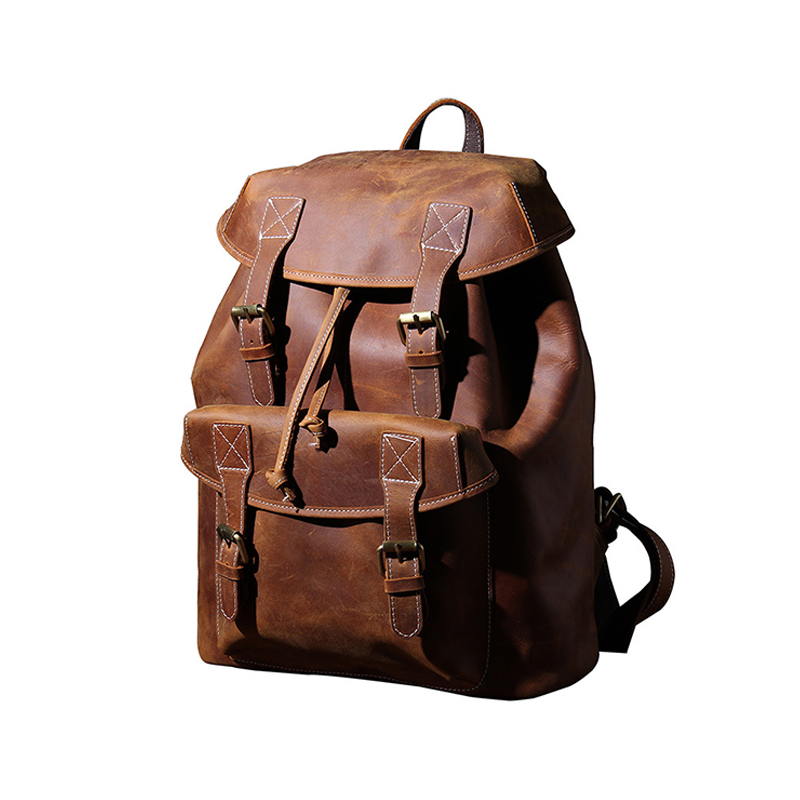
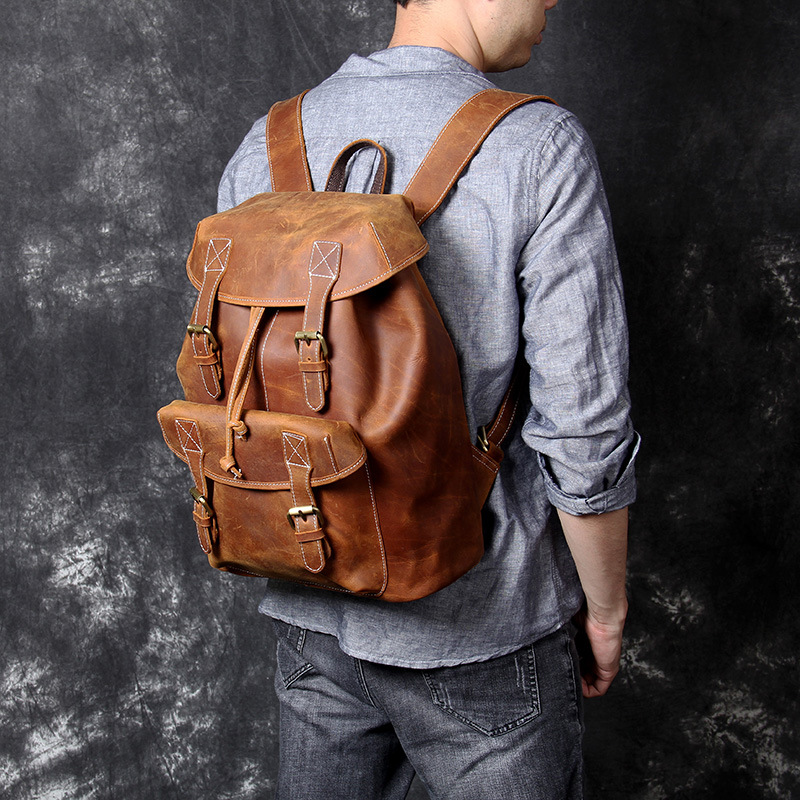
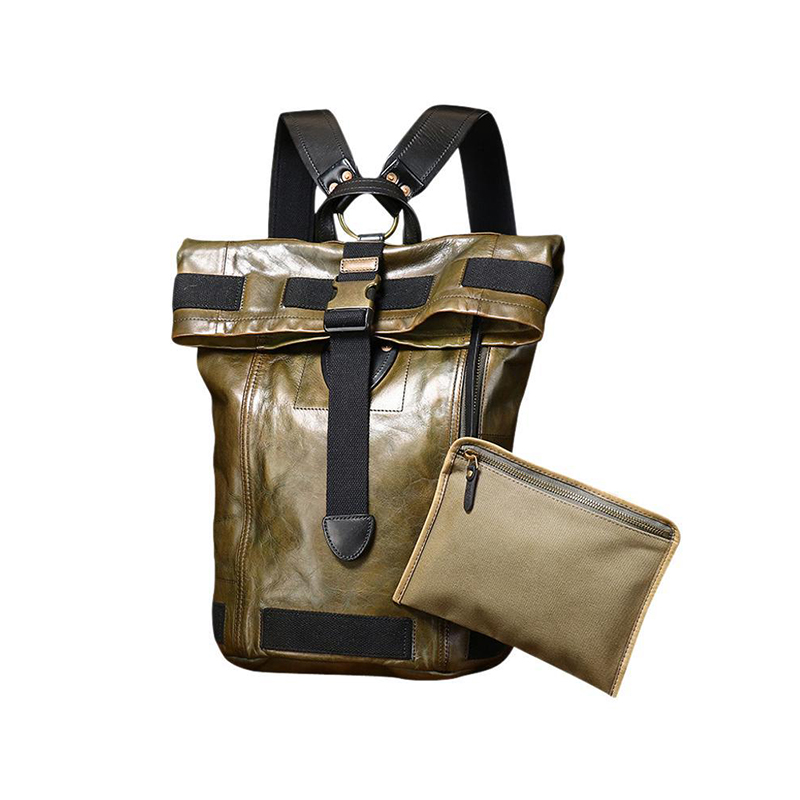
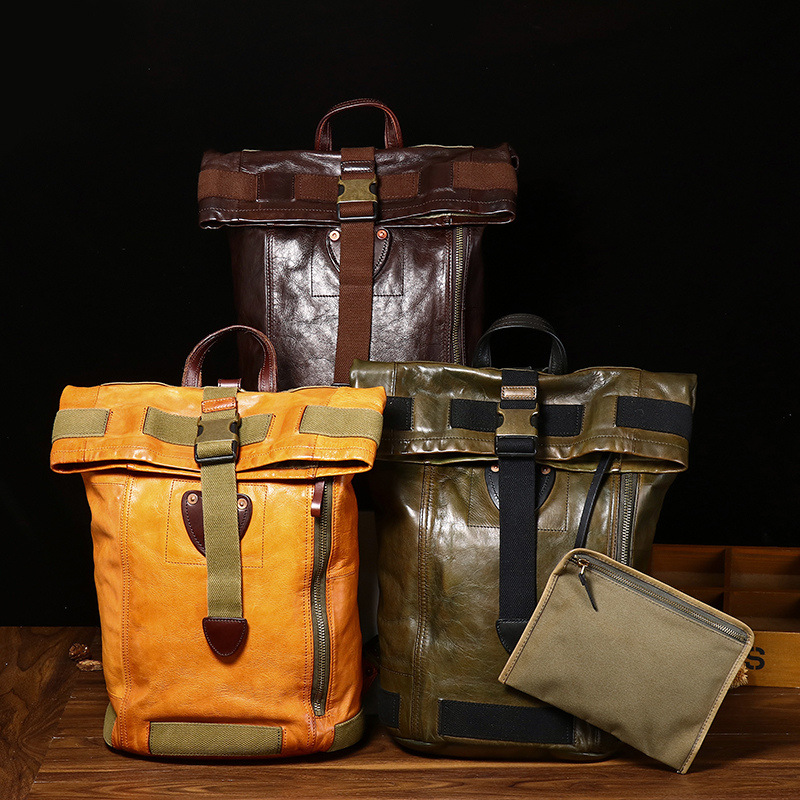
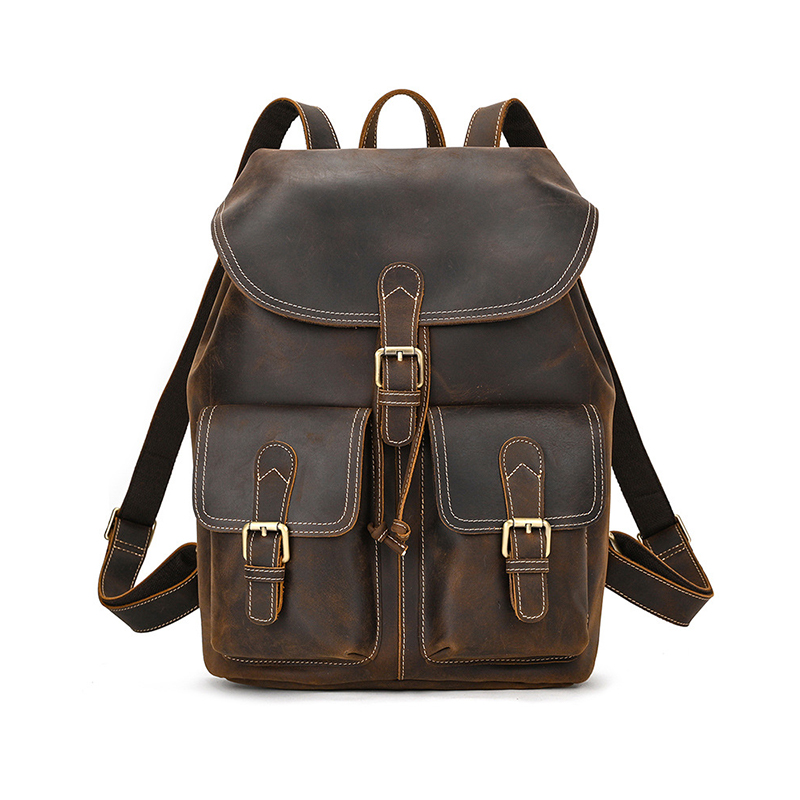
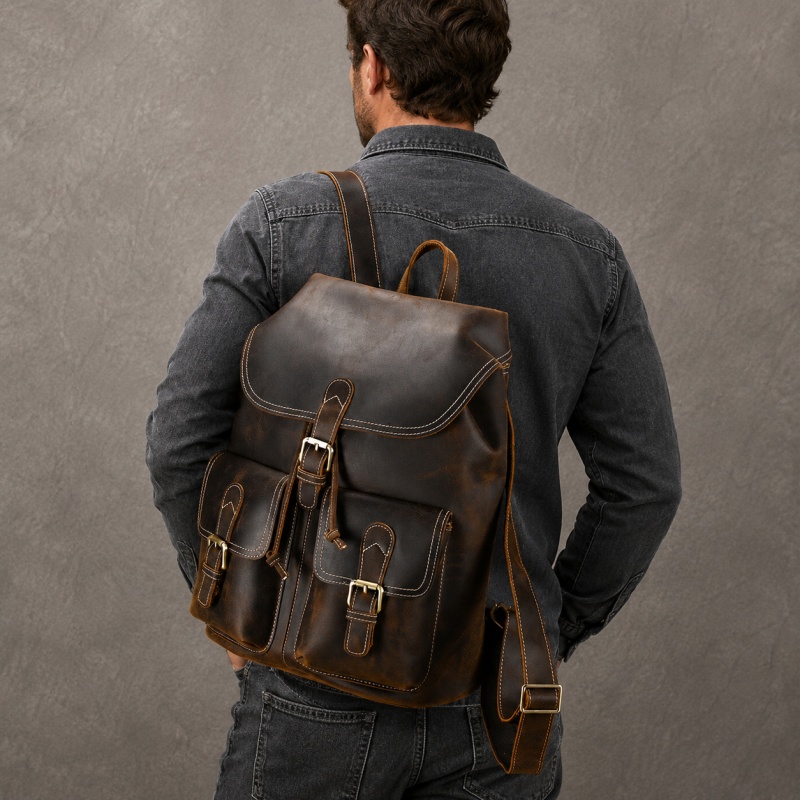
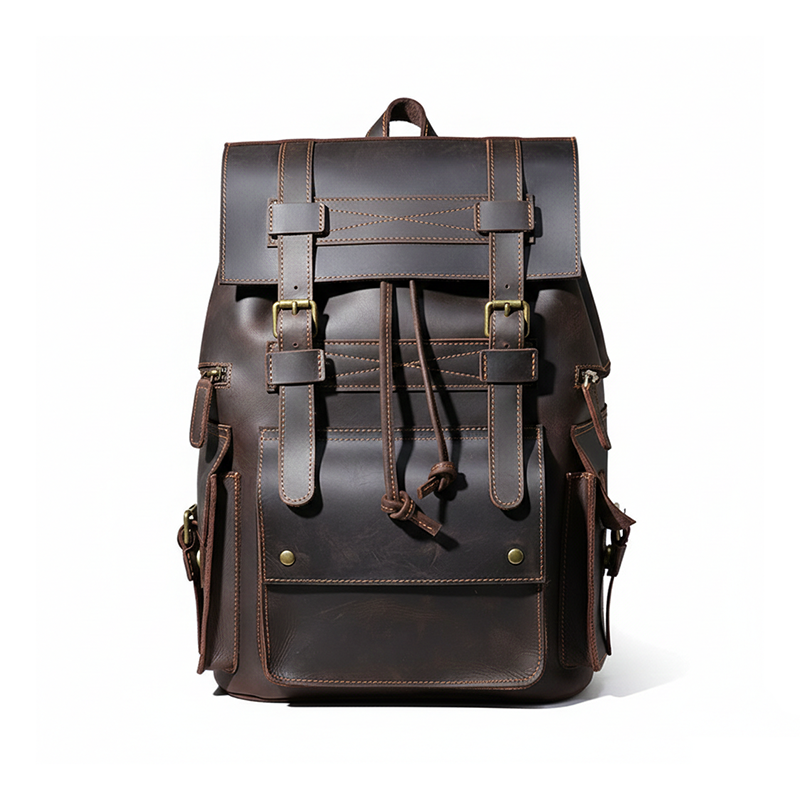
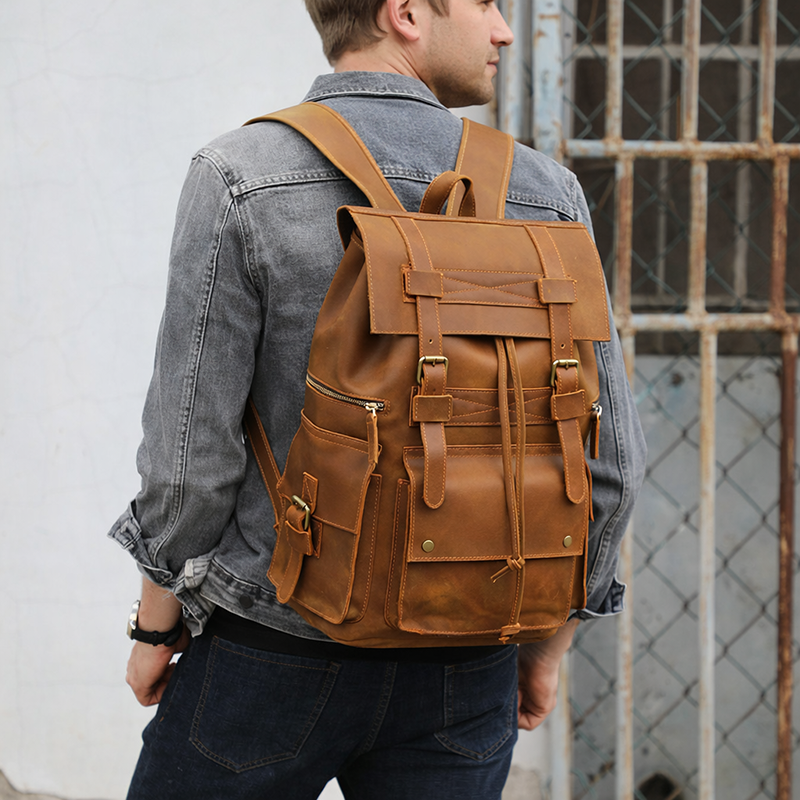
Canvas and leather backpacks are especially suitable for men who want a practical bag without a technical or sporty appearance.
The canvas body provides flexibility and everyday texture.
Leather details add structure and character.
Together, they create a backpack that works with:
- Jeans
- Boots
- Jackets
- Casual office clothing
- Weekend outfits
The best design is not the one with the most storage.
It is the one that makes your daily routine easier.
A useful backpack is not the one with the most pockets. It is the one with a layout that matches what you actually carry.
Explore our collection of canvas and leather backpacks designed for work, commuting, and organized daily carry.
Final Verdict: How Should You Organize A Backpack?
The best backpack organization system is simple.
You do not need to turn your backpack into a complicated storage system.
Instead:
- Remove items you do not use
- Keep heavy items close to your back
- Protect your laptop separately
- Put daily essentials in quick-access areas
- Group electronics together
- Use the main compartment for larger items
- Keep water away from electronics
- Organize based on frequency of use
- Avoid overpacking
A good organization system should make your backpack disappear into your routine.
You should not have to think about where things are.
You should already know.
The best backpack organization system is simple: protect the laptop, balance the weight, keep small essentials easy to reach, and give every item a consistent place.
Frequently Asked Questions
How Do You Organize A Backpack?
Start by removing unnecessary items.
Place heavy items close to your back, protect electronics in dedicated compartments, keep frequently used items accessible, and assign each category a consistent location.
How Do You Organize A Work Backpack?
Keep your laptop and documents near the back, chargers and accessories in internal pockets, daily essentials in quick-access pockets, and larger personal items in the main compartment.
How Do You Organize A Laptop Backpack?
Use the padded laptop sleeve for the computer, separate chargers and cables, avoid storing hard objects against the laptop, and keep water away from electronics.
What Should Go In The Front Pocket Of A Backpack?
The front pocket is best for small items you access frequently, such as keys, wallet, phone accessories, earbuds, or transit cards.
Avoid storing fragile or expensive items in exposed pockets.
Where Should A Laptop Go In A Backpack?
A laptop should go in a padded sleeve close to the back panel.
This position provides better protection and helps distribute weight more comfortably.
How Do I Stop My Backpack From Getting Messy?
Remove unused items regularly, create fixed locations for daily essentials, and avoid using the backpack as long-term storage.
Are Backpack Organizer Pouches Worth It?
Organizer pouches are useful when you carry many small items or switch between bags often.
For simple daily carry, a backpack with good internal organization may be enough.
How Do I Organize A Backpack For Daily Carry?
Focus on four categories:
- Protection
- Weight
- Frequency of use
- Easy access
Items should be placed based on how often and how safely they need to be accessed.
Where Should Heavy Items Go In A Backpack?
Heavy items should be placed close to your back and centered vertically.
This reduces pulling force and improves comfort.
How Do You Organize A Backpack For Weekend Travel?
Keep electronics protected near the back, clothing in the main compartment, chargers together, and important travel items in easy-access pockets.